Foreword — Bill
So it’s Emily’s birthday.
I wanted to build her something; and I had noticed that she is someone that is always building these cool and creative workflows to organize her tasking.
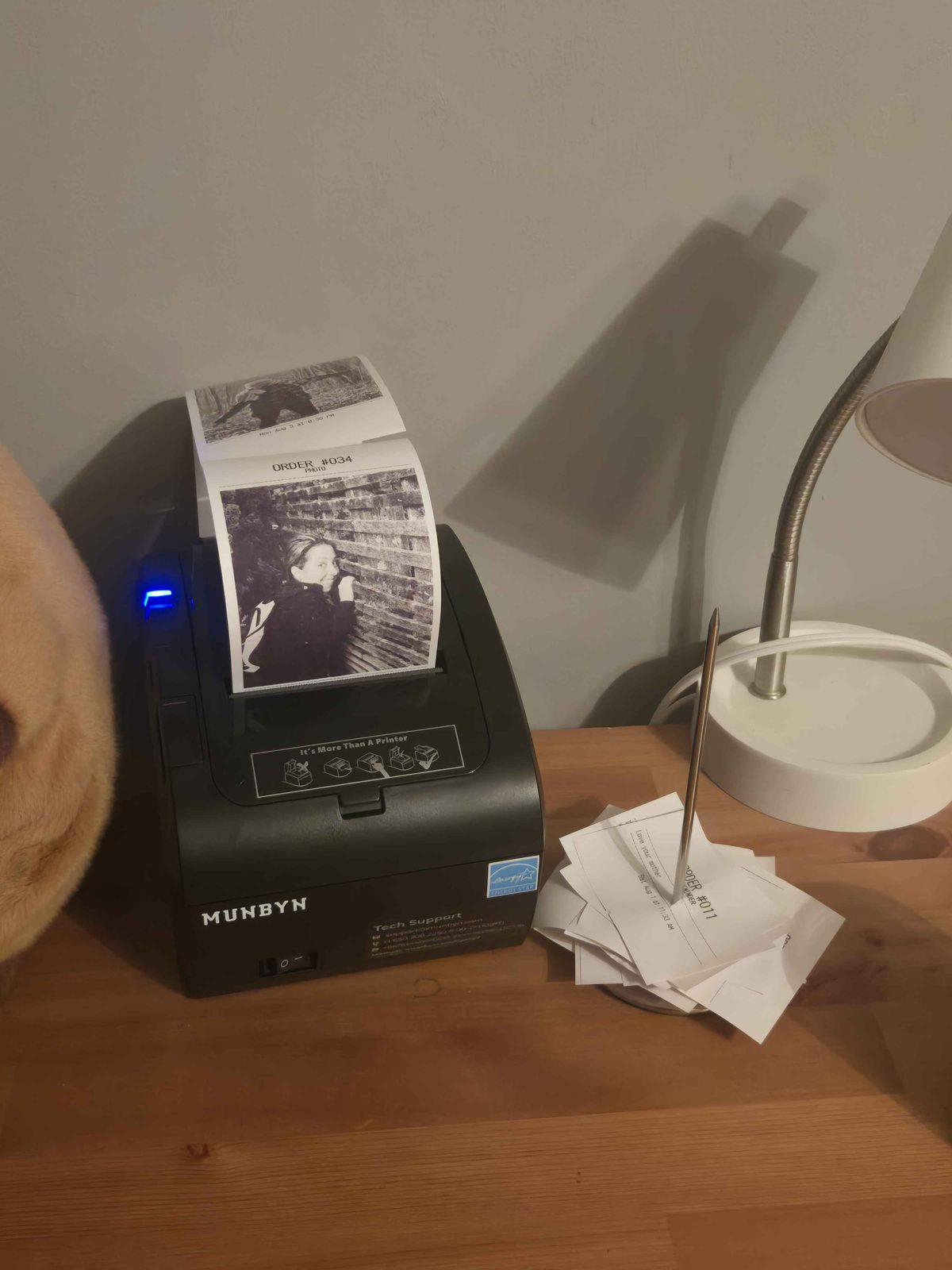
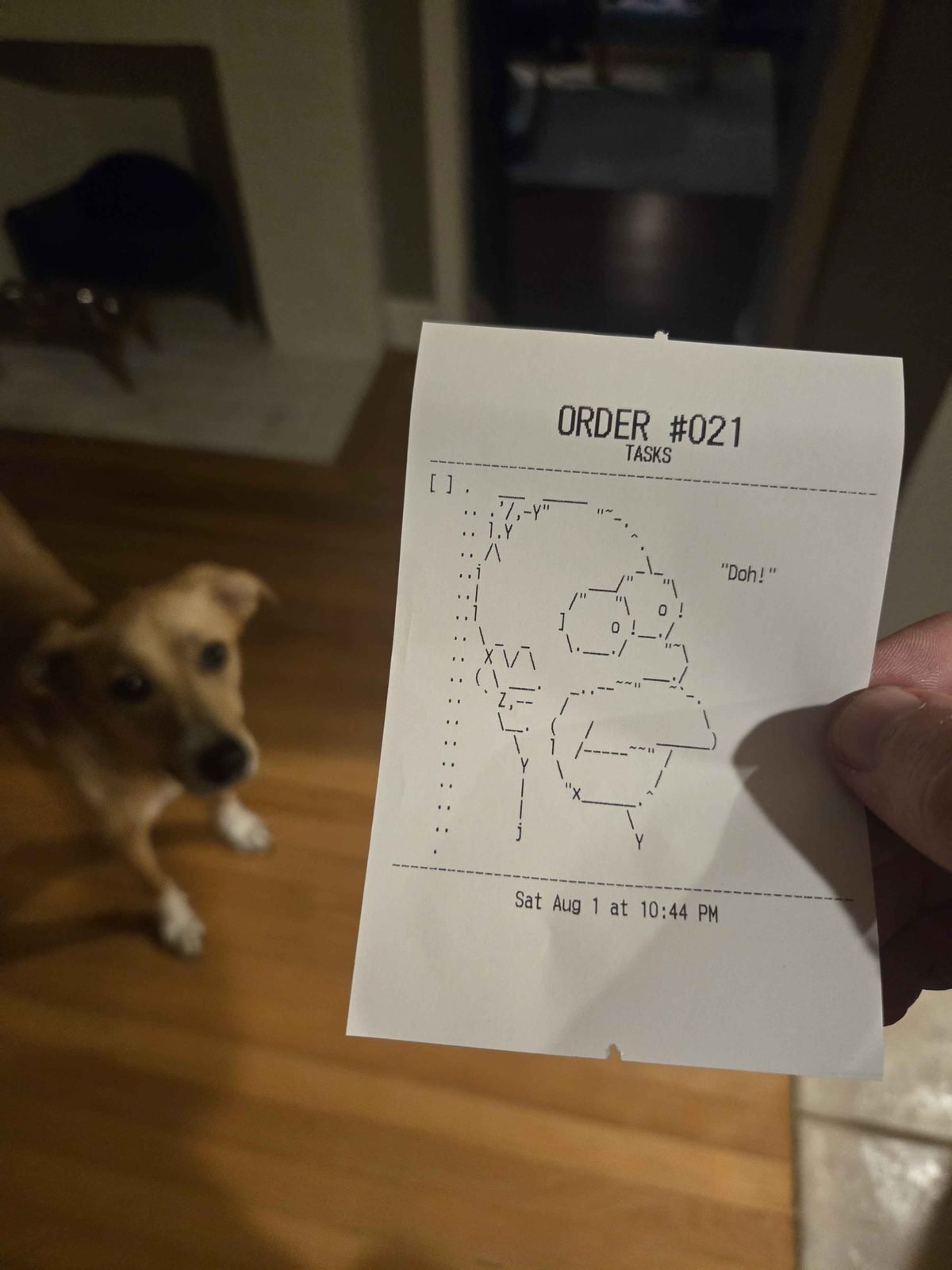
Looking at her sticky note covered corkboard, I had the idea it’d be fun to print Jira tickets process them like a burger joint counter, complete with the “spike.”
When I labbed on it a bit, it turned out to be pretty easy to integrate the receipt printer into a homelab-rolled webpage. A little pihole dns registration, Claude-assisted React prompting with some burger-focus and done!
orderup.lan
Order Up!
Emily's task kitchen
Checking whether the kitchen's open…
What'll it be?
Paste, drop, or a
picture.
It prints as a picture, dithered to black and white.
Ctrl+Enter fires the order · 1–4 switches ticket type, while the pad has focus
On the pass 48 columns, exactly as it prints
Paste or drop a picture
it'll show here exactly as it will print
Recent orders everyone's, newest first
No orders yet. The kitchen is quiet.